Exploring Discover
Discover is now a personalized feed — your Card of the Week, trending decks, recent sets, news and recommendations, instead of a fixed menu.
On this page
Open Discover
Tap the Discover tab. Rather than switching between fixed segments, you'll see a scrolling feed of modules and recommendations, refreshed as new content comes in.
 Drop screenshot here
images/guides/discover/01-discover.png
Card of the Week, Trending Decks & more
Scroll through the feed's modules:
You may also see personalized recommendation cards mixed in — these change over time and aren't fixed modules.
Build your Pod
The Build your Pod module is a shortcut into pod trading — tap Invite a friend to jump straight to inviting someone. See the Pod Trading guide.
If you're not signed in, you'll also see a Create a free account module — it disappears once you sign in.
News
The News module shows recent headlines; tap View all for the full News screen — ban lists, set reveals, rules changes and more, with a featured hero story, category filters, and infinite scroll. See the News guide.
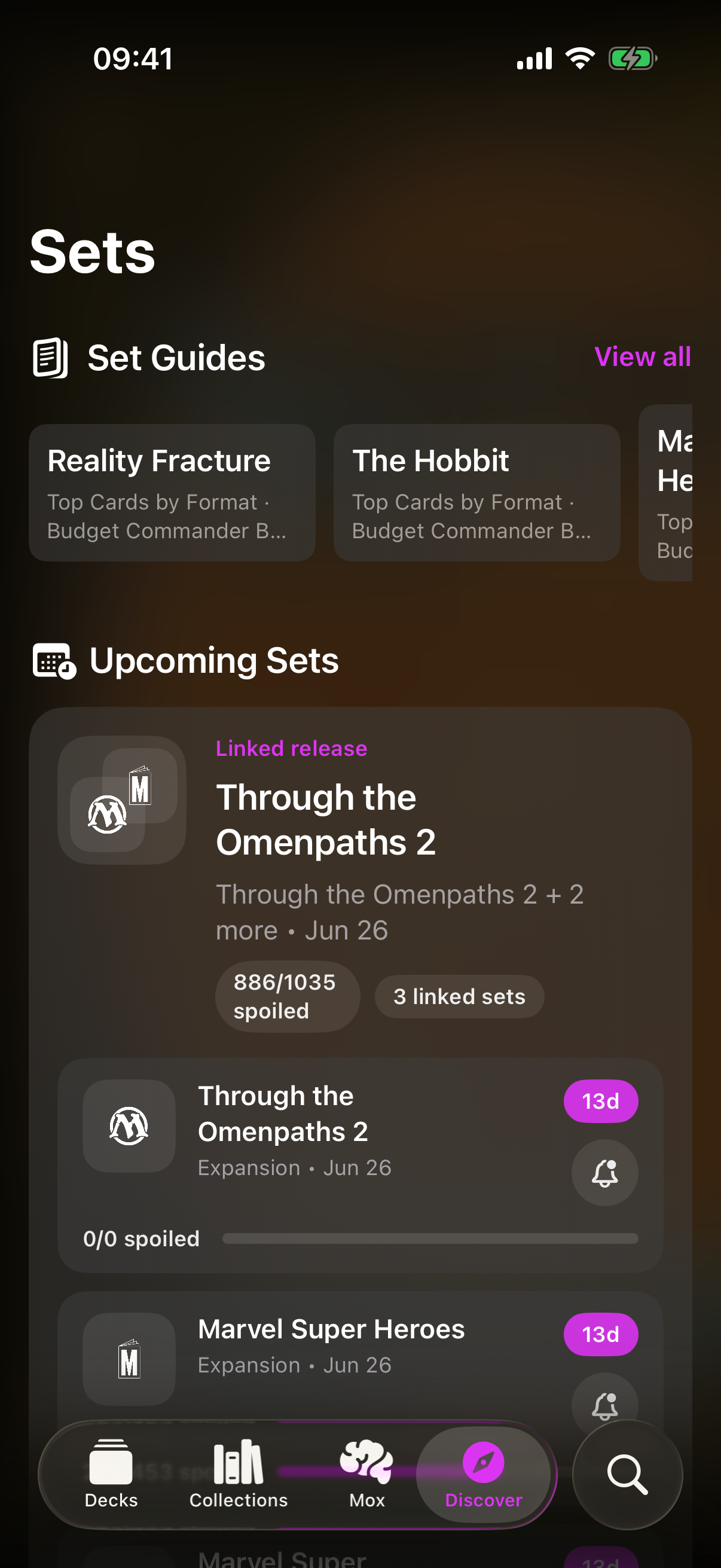
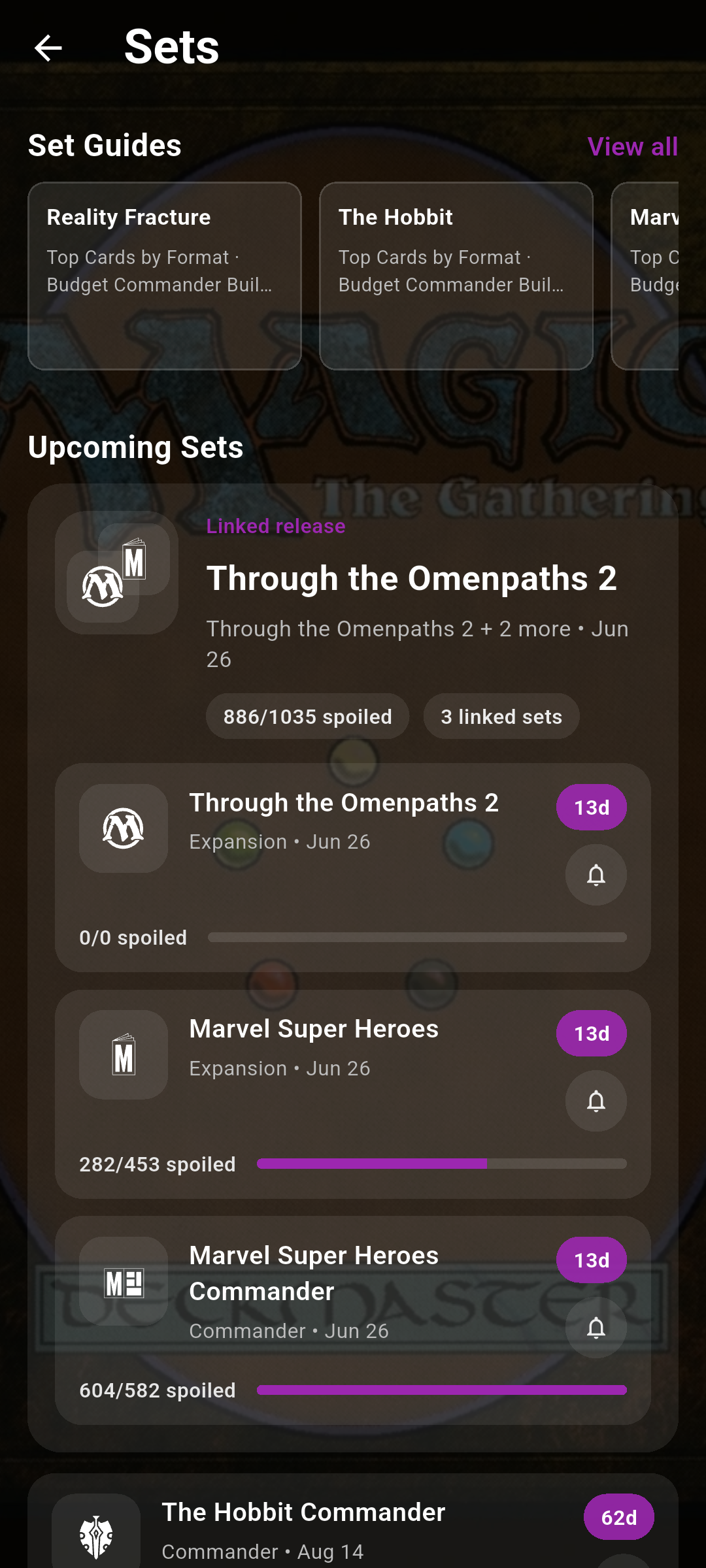
Browsing the full Sets & Decks lists
For the complete set browser — Set Guides, Upcoming Sets with release-reminder bells, and every set grouped by year — go to Card Search or your Library and tap View all on the upcoming-sets strip near the top. That opens the same full Sets browser Discover used to show directly.