
Building a deck with Mox
Tell Mox what you want and it builds a complete, format-legal deck for you — then helps you refine and save it.
Pro feature: Mox Deck Builder requires a Pro subscription. If you're not subscribed you'll see the upgrade screen when you open it.
In BETA: Mox Deck Builder is still in beta, so it's actively being improved. The Finish a deck mode appends cards to your existing deck rather than creating a brand-new one.
On this page
Open the Deck Builder
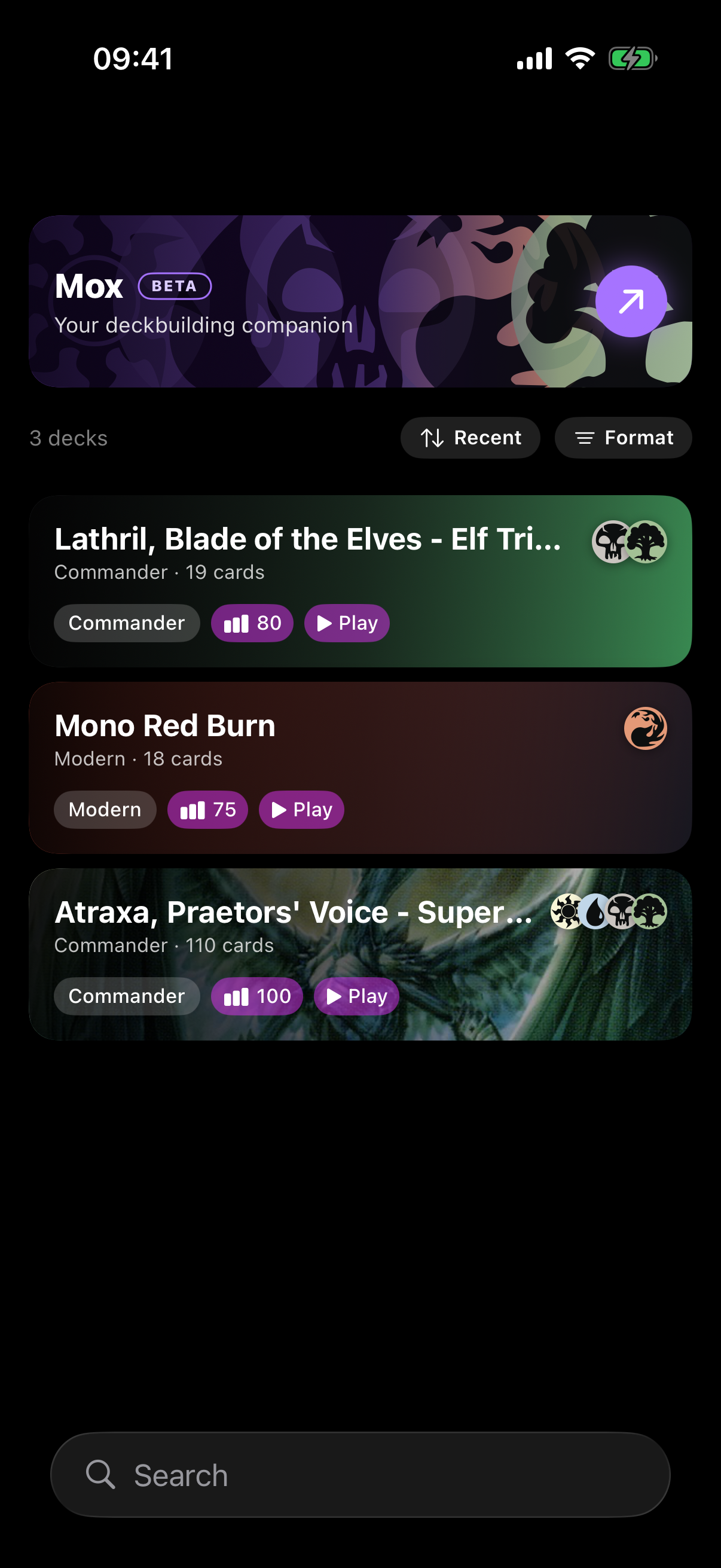
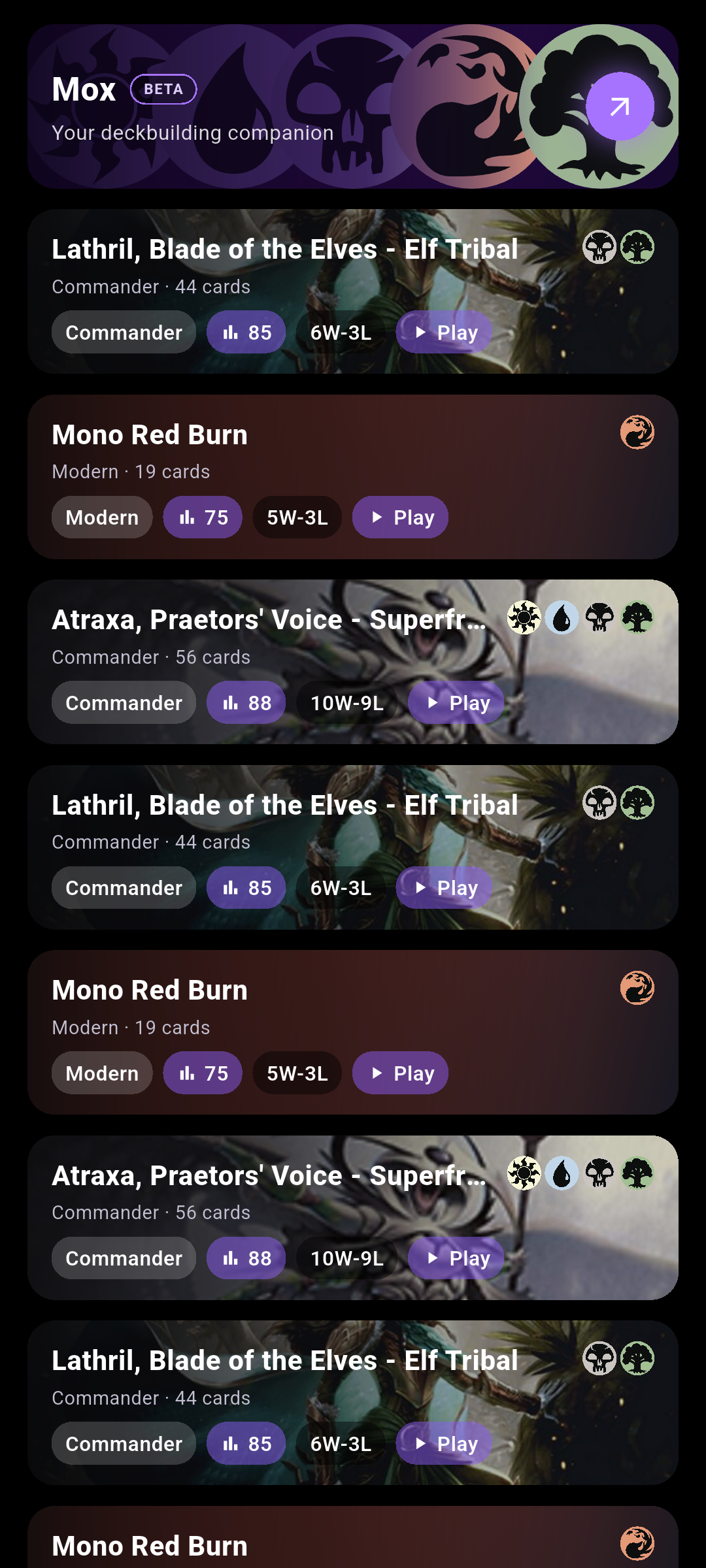
In the Decks tab, tap the Mox banner — it shows a BETA pill and the subtitle Your deckbuilding companion.
 Drop screenshot here
images/guides/mox-deck-builder/01-build-banner.png
Choose what to do
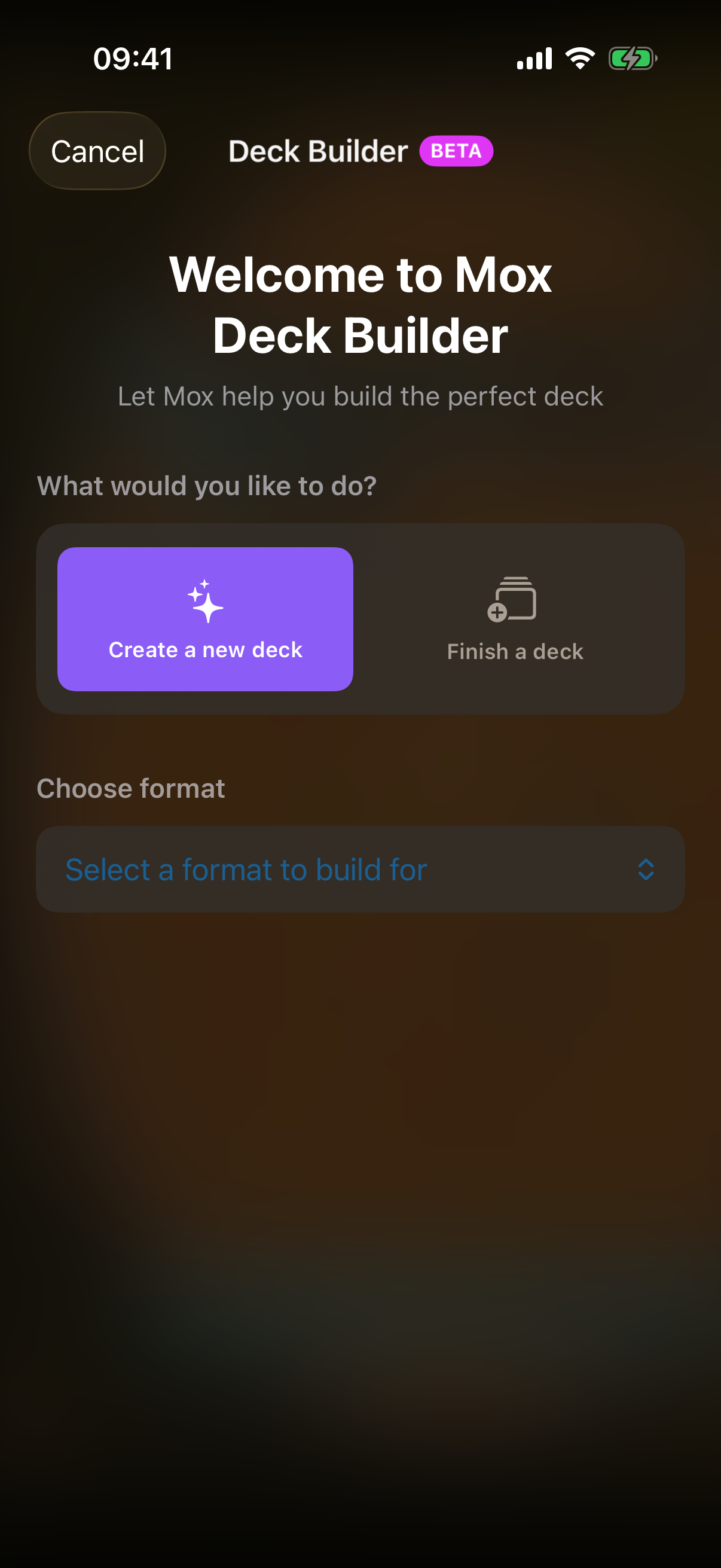
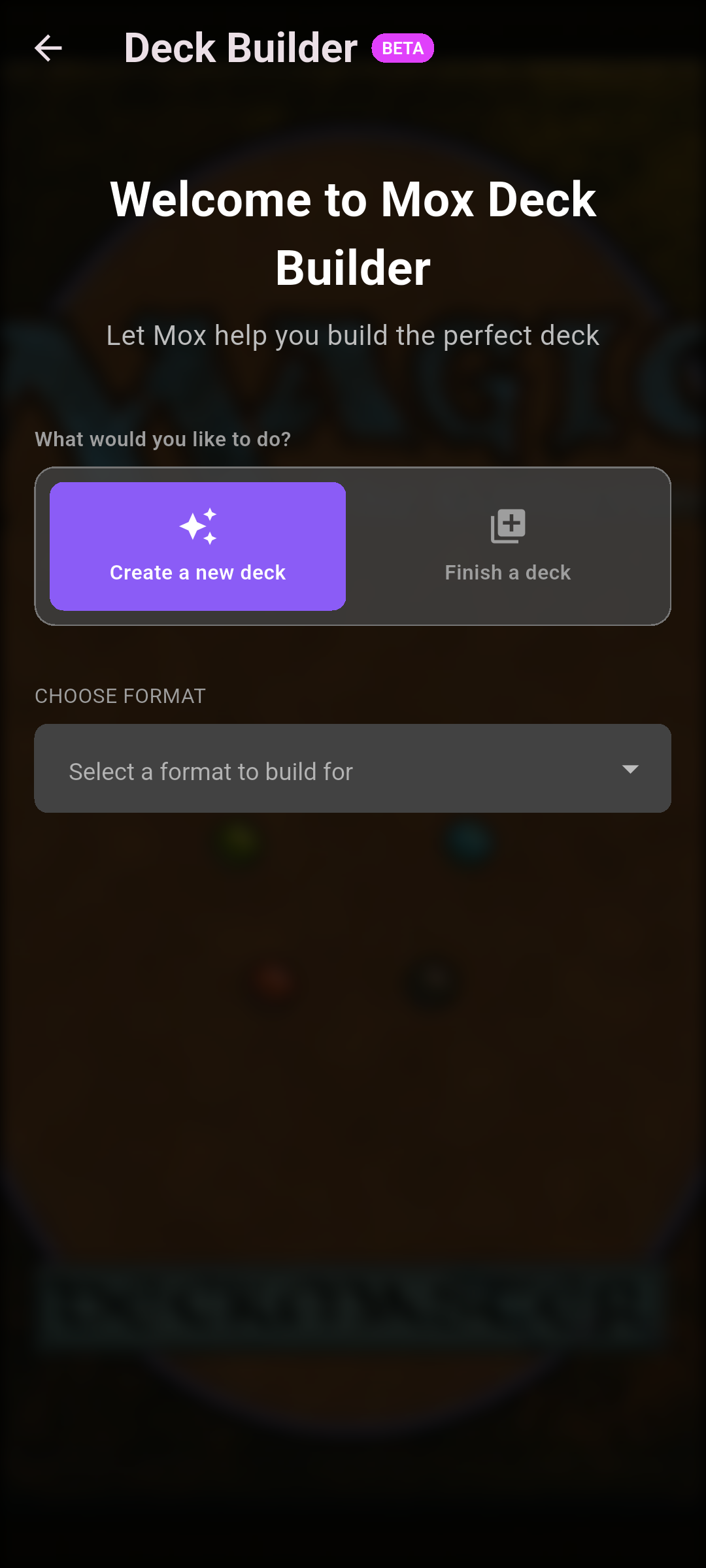
Under What would you like to do?, pick Create a new deck or Finish a deck.
Set your parameters
Choose format
Tap Select a format to build for and pick a format.
Deck strength
Casual, Semi-Casual, Semi-Competitive or Competitive.
Card availability
Use any card, Use only available cards, Use any card I own or Prefer cards I own.
Budget ceiling
Pick a preset: $25, $50, $100, $200 or No Limit — or set a custom amount.
On Android, an always-visible Custom amount field sits below the preset chips, so you can type a value at any time.
On iOS, tap the Custom chip first to reveal the Custom amount field, then type a value.
Commander
For Commander-style formats, choose your Commander (or Oathbreaker and Signature Spell).
Cards to include
Optionally tap Add Card Slot to force specific cards into the build.
 Drop screenshot here
images/guides/mox-deck-builder/03-parameters.png
Build the deck
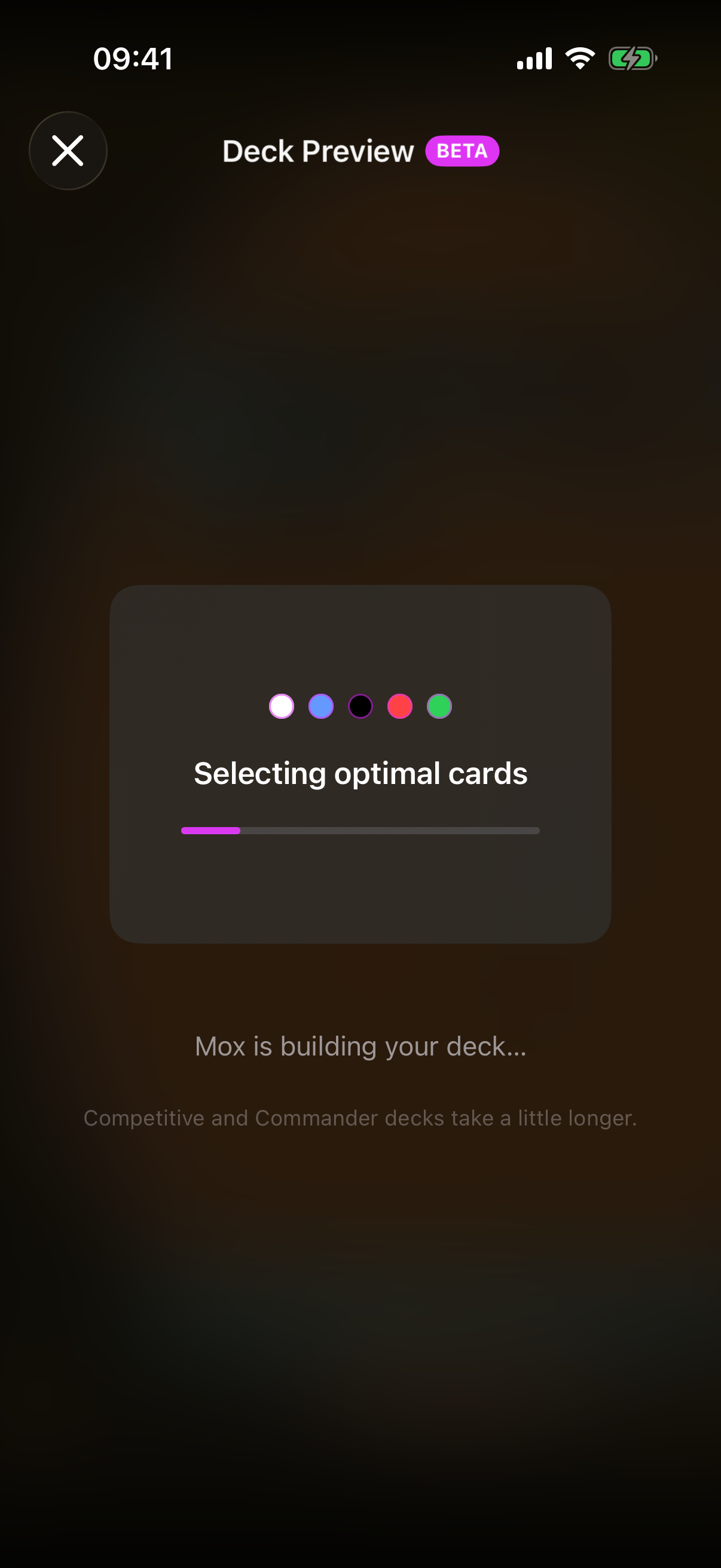
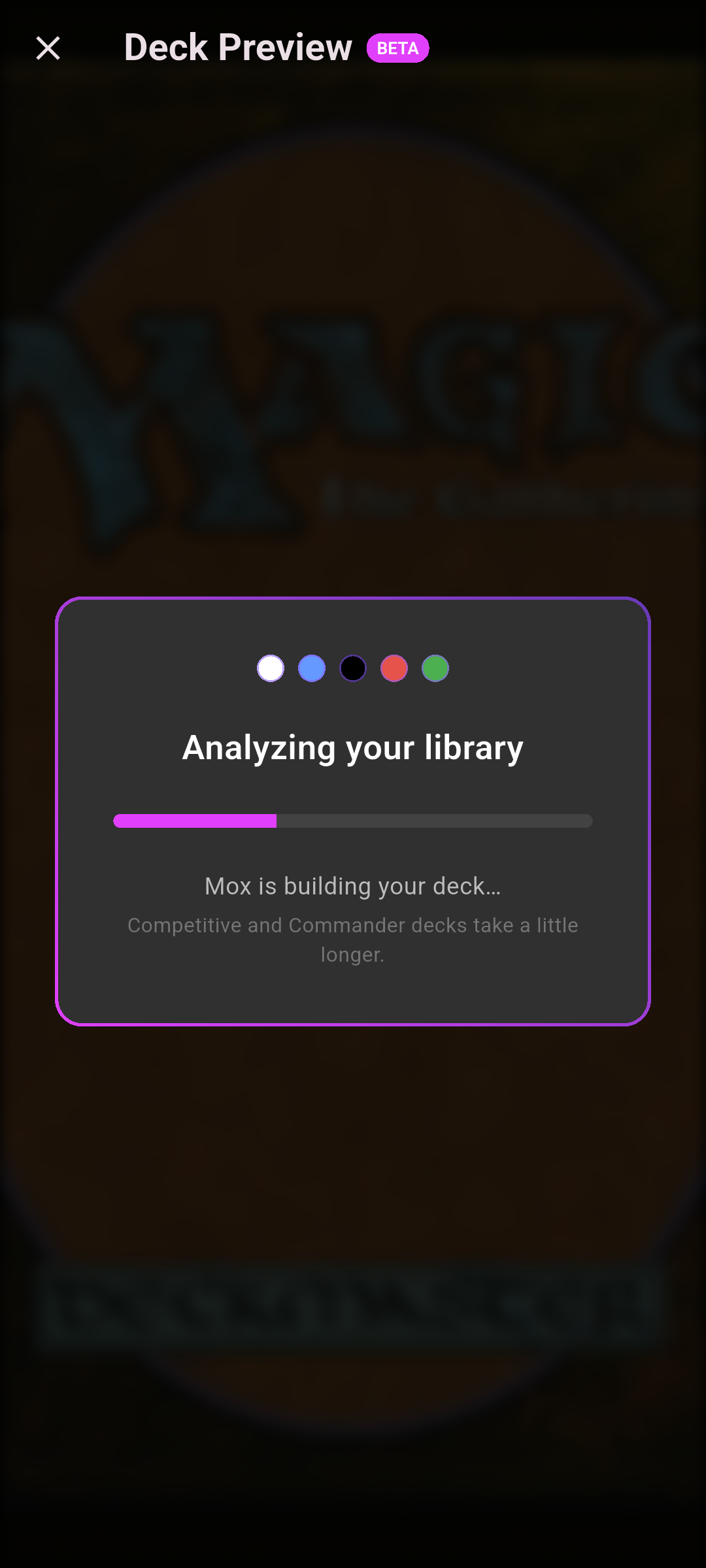
Tap Build [Format] Deck (for example Build Commander Deck). Mox shows its progress while it works — competitive and Commander decks take a little longer.
Review the result
Name it
Edit the auto-generated Deck Name.
Why these cards
Read the WHY THESE CARDS? reasoning and the DECK EVALUATION.
Owned vs. to buy
Cards are split into CARDS FROM YOUR LIBRARY and CARDS TO PURCHASE; tap Copy decklist to export.
Budget
A budget bar shows whether the deck is under or over your ceiling.
Refine
Use the refine suggestions, or tap Add Card to tweak the list. You get up to 2 refines per deck.
Edit a card
On iOS, tap a card to open the Card Options sheet, then choose Swap for Different Card or Remove from Deck.
On Android, swipe a card to delete it, and use the Add Card button to add cards.
 Drop screenshot here
images/guides/mox-deck-builder/05-result.png
Save it
Tap Save Deck to add it to your decks. You can then leave quick feedback — Good or Needs Work, then Submit Feedback (or Skip).
If you discard the result instead of saving it, Mox also prompts a feedback sheet so you can tell us what didn't work.
Tip: once saved, open the deck and tap View Full Analytics to check its mana curve and value — see the Decks guide.