Compendium Pro
Pro unlocks the AI features and the deeper tools across the app. Here's what you get, where to subscribe, and how to restore or cancel.
On this page
What Pro unlocks
Compendium has two tiers: Free and Pro. Pro removes limits and unlocks the AI and advanced tools, including:
- Mox Chat — the AI assistant, and "Ask Mox" about any card.
- Mox Deck Builder — let Mox build a complete, format-legal deck.
- Advanced deck analytics and collection analytics.
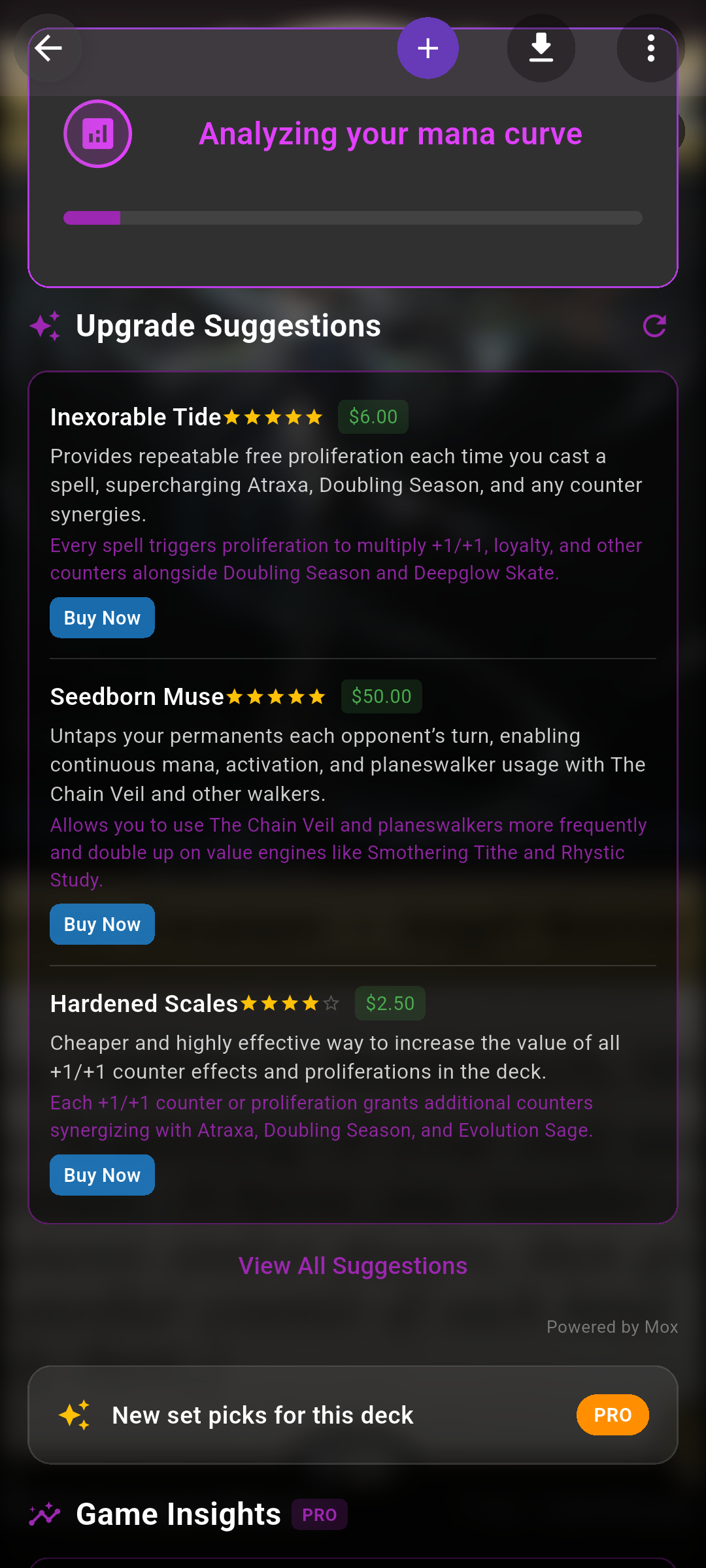
- Deck evaluations and Mox deck suggestions.
- Game-log insights, trends and matchup prep.
- More price alerts, and set-release reminders & set guides.
Where the upgrade screen appears
There's no "subscribe" button buried in settings — instead the upgrade screen appears the moment you tap a Pro feature. For example:
- Opening Mox while on the free tier — the button reads "Upgrade to Pro""Subscribe to Chat".
- Tapping advanced Analytics, the Mox Deck Builder, a locked set guide, or the bell to be notified about an upcoming set.
On iOS some gates first show a short "Upgrade to Pro" prompt with a View Plans button before opening the plans.
Subscribe
- Open the upgrade screen
Tap any Pro feature (above) to bring it up.
- Pick a plan
Choose from the plans shown, then confirm in the store's purchase sheet (Face ID / Touch ID / Google Play).
- You're in
Once the purchase completes, Pro unlocks immediately — no restart needed.
 Drop screenshot here
images/guides/subscription/01-upgrade-screen.png
Restore purchases
Already subscribed — say, on a new phone? On the upgrade screen tap Restore to bring your subscription back. Your Pro status is tied to your store account, so nothing is lost.
Manage or cancel
Subscriptions are managed by the store, not inside Compendium. You can cancel any time:
- iOS: Settings → tap your name → Subscriptions → Compendium.
- Android: Play Store → profile → Payments & subscriptions → Subscriptions → Compendium.
One-off deck evaluations
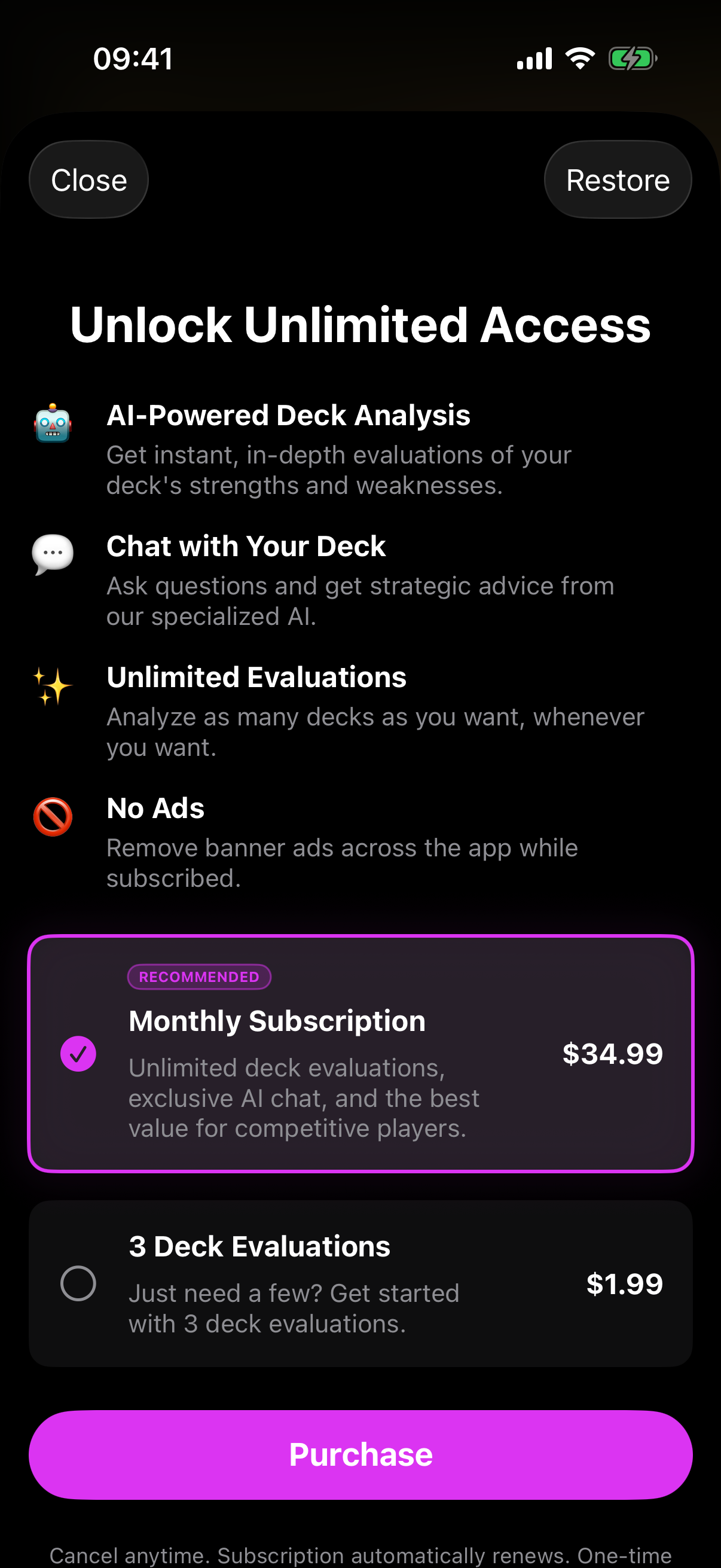
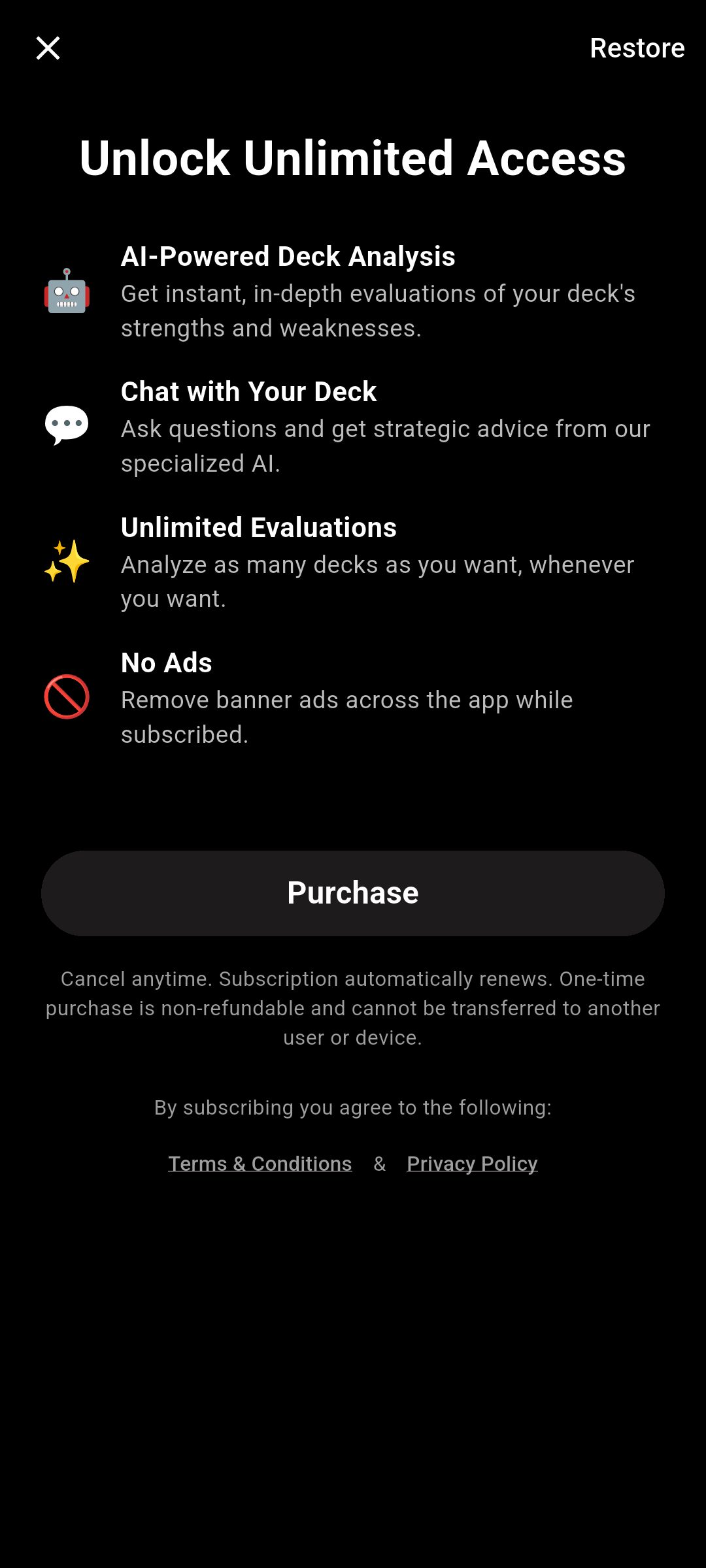
If you only want to try a deck evaluation, that flow offers an alternative to subscribing: an Unlock Unlimited Access screen with the monthly subscription (marked RECOMMENDED) or a one-time 3 Deck Evaluations pack. Tap Purchase to buy, or Restore if you've bought before.
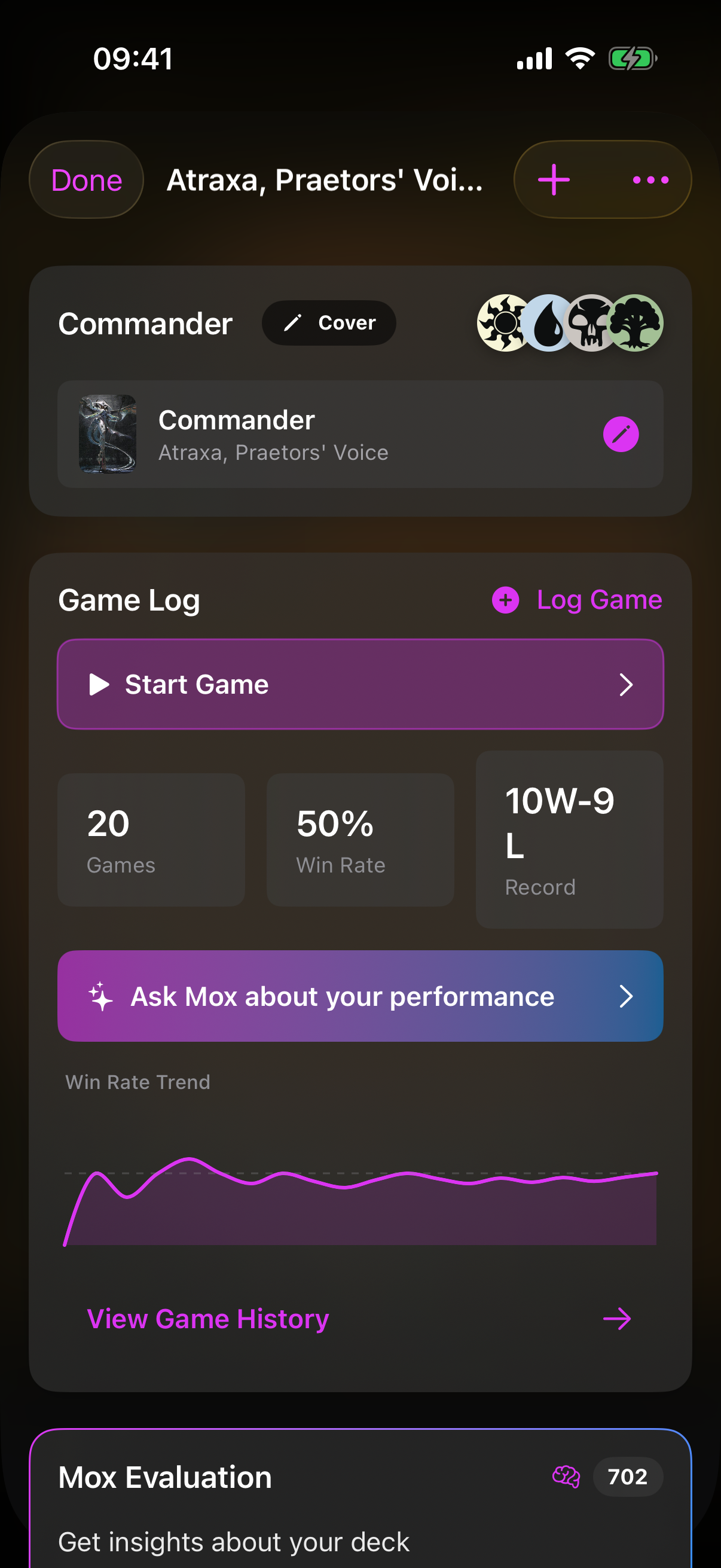
 Drop screenshot here
images/guides/subscription/02-deck-evals.png