MTG news
Keep up with Magic without leaving the app. The News feed surfaces ban list changes, set announcements, price spikes and more — with the cards and sets in each story tappable so you can dig straight in.
On this page
Open News
News is part of Discover. Open Discover, then tap the News pill (the newspaper icon) in the pill bar to switch to the feed.
The feed
The most important recent story appears as a large featured card at the top, with its category, an excerpt and how long ago it was published. The rest of the stories follow as a compact list underneath.
The feed scrolls endlessly — as you reach the bottom, more articles load automatically.
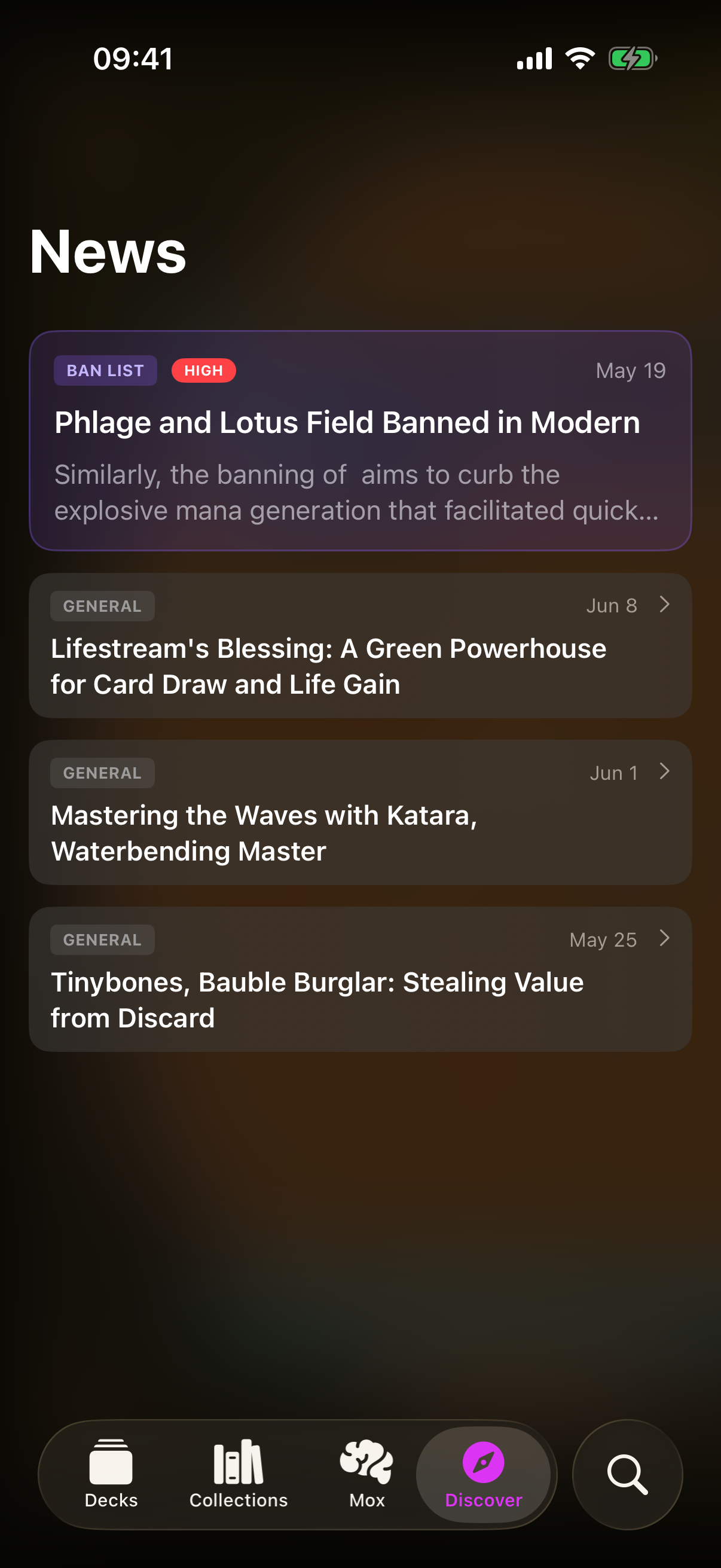
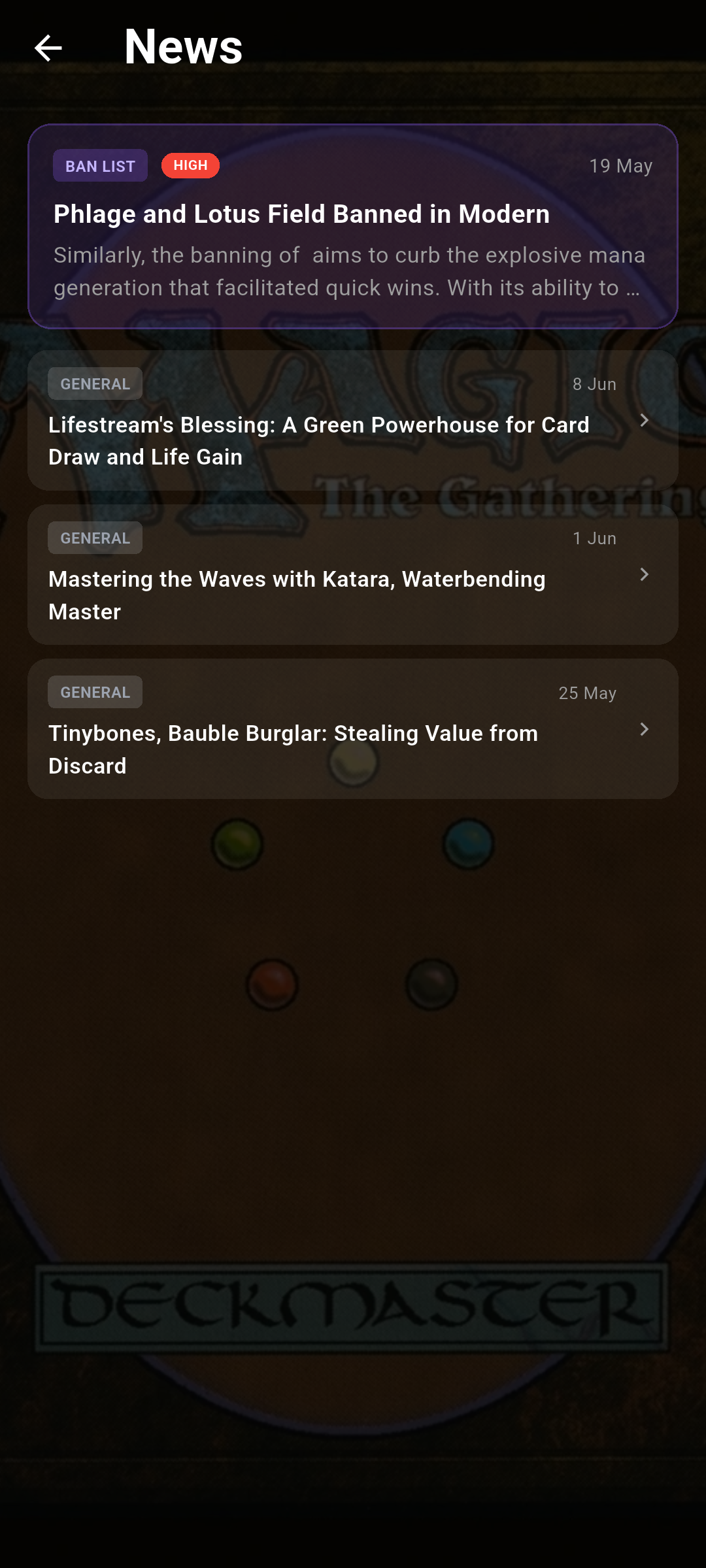 Drop screenshot here
images/guides/news/01-feed.png
Categories & importance
Each story carries a colour-coded category label so you can tell at a glance what it's about:
- Ban list
- Set announcement
- Rules change
- Product reveal
- Price spike
- Reprint
The biggest stories also show a red HIGH importance badge, and the most important recent story is the one promoted to the featured card.
Open an article
Tap any story to read it in full. On iOS the article opens as a sheet that slides up over the feed — swipe down to dismiss it.On Android the article opens as its own page — use the back button to return to the feed.
Inside an article, card and set names are interactive:
- Tap a card link to open its card detail page.
- Tap a set link to open that set.
- Set-announcement stories show a set hero at the top.
- External source links open in your browser.